


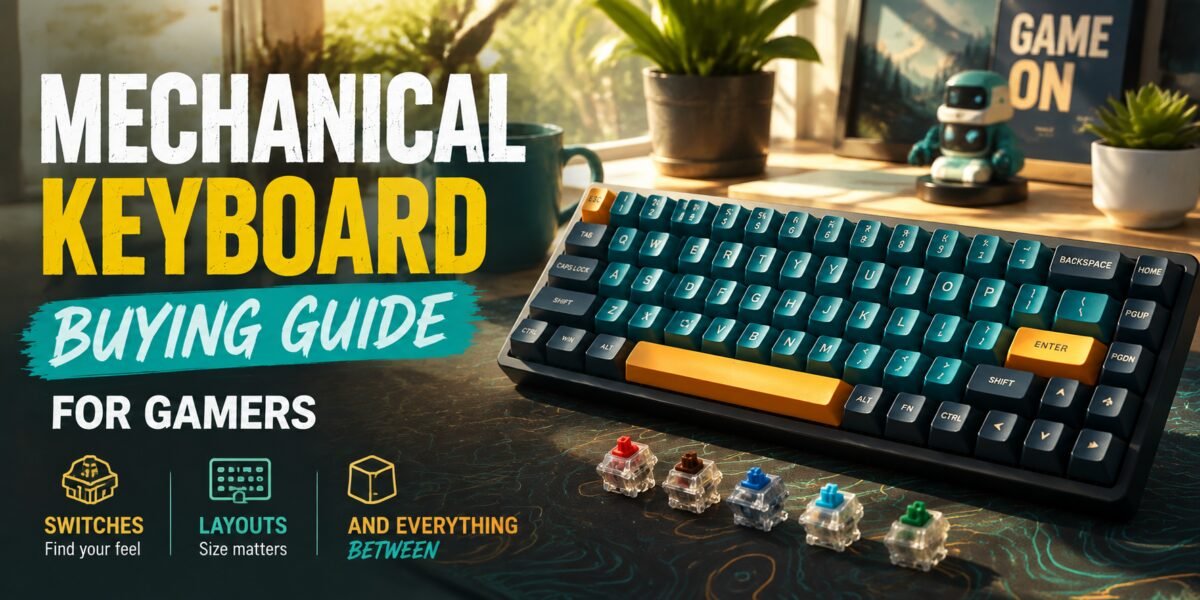
Few upgrades change the feel of gaming as immediately and viscerally as switching to the right mechanical keyboard. But “mechanical keyboard” has become an umbrella term covering an enormous range of switch types, layouts, and build qualities, and picking the wrong combination can leave you with a keyboard that looks great but doesn’t actually suit how you play or type. This guide walks through the decisions that actually matter, cutting through switch-naming confusion and layout jargon along the way.
Quick Verdict: Switch type matters more than brand name or RGB. Try to test linear, tactile, and clicky switches in person if at all possible before committing — the “feel” difference between switch types is far more significant to daily experience than almost any other spec on the keyboard.
Why Switch Type Is the Foundation of This Decision
Every other keyboard feature — layout, keycaps, backlighting, software — sits on top of the switch, which is the actual mechanism under each key that determines how it feels and sounds to press. Getting the switch type wrong means every single keystroke, for years of daily use, will feel slightly wrong to you. It’s worth spending real time on this decision before anything else.
Understanding Switch Types
1. Linear Switches
Linear switches move smoothly from top to bottom with no tactile bump or audible click partway through the press. They’re generally favored by competitive gamers for their fast, consistent actuation and quiet-ish operation, since there’s nothing to interrupt rapid, repeated key presses. Popular examples include red and speed/silver-style switches, distinguished mainly by actuation force and travel distance.
2. Tactile Switches
Tactile switches include a noticeable bump partway through the keypress, giving physical feedback that the key has actuated without needing to bottom out fully. Many typists and hybrid gamer-typists prefer tactile switches for this feedback, since it can reduce unnecessary full-depth keypresses over long typing sessions. Brown-style switches are the most common tactile option.
3. Clicky Switches
Clicky switches add both a tactile bump and an audible click sound, offering the most pronounced feedback of the three switch families. They’re satisfying for solo typing and gaming sessions but are widely considered inappropriate for shared spaces, open offices, or voice-chat-heavy gaming sessions where teammates or roommates will hear every keystroke. Blue-style switches are the classic example.
4. Optical vs. Traditional Mechanical Switches
Optical switches use a light beam to register actuation rather than a physical metal contact, which some manufacturers claim offers faster response and longer switch lifespan by avoiding physical contact wear. In practice, the real-world difference is small for the vast majority of players, and switch feel (linear, tactile, or clicky) matters far more to your day-to-day experience than the underlying actuation technology.
Layout Considerations
Full-Size vs. Tenkeyless (TKL) vs. Compact
Full-size keyboards include a numpad, useful for spreadsheet work or games that benefit from numpad shortcuts, but they take up considerably more desk space. Tenkeyless (TKL) layouts drop the numpad, freeing up room for greater mouse movement range — a genuinely meaningful benefit for gamers who use low sensitivity settings requiring large swipe areas. Even more compact 60% and 65% layouts strip away additional keys like the function row and arrow keys (often accessed via key combinations instead), maximizing desk space and mouse room at the cost of some convenience.
Additional Factors Worth Considering
1. Polling Rate and Actuation Point
Higher polling rates mean the keyboard reports its state to your PC more frequently, theoretically reducing input latency, though the practical difference beyond standard rates is imperceptible to most players. Some newer keyboards offer adjustable actuation points, letting you set exactly how far a key must travel before it registers — a genuinely useful feature for competitive players wanting hair-trigger response on specific keys.
2. Hot-Swappable Switch Sockets
Hot-swappable keyboards let you physically remove and replace individual switches without soldering, meaning you can experiment with different switch types after purchase or replace a single failed switch instead of the whole board. This has become an increasingly standard and genuinely valuable feature, especially for buyers who aren’t fully certain which switch feel they’ll prefer long-term.
3. Keycap Material
ABS keycaps are more common on budget keyboards and tend to develop a shiny, worn look after months of regular use as the plastic wears down. PBT keycaps resist this shine and generally feel more textured and durable over years of use, making them a worthwhile upgrade consideration even as an aftermarket purchase on an otherwise satisfactory keyboard.
4. Wireless vs. Wired
Wireless mechanical keyboards have improved enormously, with dedicated low-latency dongles now largely closing the performance gap with wired connections for gaming purposes. Battery life varies significantly based on backlighting use, so if you plan to run RGB lighting constantly, budget for more frequent charging or check reviews for real-world battery figures with lighting enabled.
Comparison Table: Switch Types at a Glance
| Switch Type | Feel | Sound | Best For |
|---|---|---|---|
| Linear | Smooth, no bump | Quiet-ish | Fast-paced competitive gaming |
| Tactile | Noticeable bump | Moderate | Mixed gaming and typing |
| Clicky | Bump + audible click | Loud | Solo use, satisfying feedback |
Buying Mistakes to Avoid
- Buying based on switch color alone without understanding the underlying feel category. Color naming conventions vary between brands and aren’t perfectly standardized.
- Ignoring desk space when choosing full-size over TKL or compact layouts. Numpad convenience often isn’t worth the lost mouse room for gaming.
- Overlooking hot-swap capability if you’re unsure about switch preference. This feature offers valuable flexibility to change your mind later without buying a whole new board.
- Assuming louder switches are always “more mechanical” or higher quality. Sound and build quality are unrelated specs.
- Forgetting to check keycap profile compatibility if planning aftermarket upgrades. Not all keycap sets fit all keyboard layouts.
Should You Try Before You Buy?
If at all possible, testing physical switch samples in person — many electronics retailers keep switch tester sets on display specifically for this purpose — remains the single best way to avoid buyer’s remorse. Written descriptions and even video reviews can only approximate the tactile and audible experience of actually pressing a switch yourself.
Real-World Scenarios: Matching a Keyboard to How You Play and Type
The Competitive FPS Player
For rapid, repeated key taps in fast-paced shooters, linear switches with a lighter actuation force generally allow for quicker successive presses with less finger fatigue over long sessions. Pair this with a TKL or compact layout to maximize mouse swipe room, particularly important for players using lower sensitivity settings that require larger physical mouse movements.
The Streamer or Content Creator
If your keyboard sounds will be picked up by a live microphone, clicky switches are almost always a poor choice despite their satisfying feel, since the sound bleeds distractingly into stream or recording audio. Quieter linear or dampened tactile switches, sometimes marketed specifically as “silent” variants, are a much better fit for this use case.
The Hybrid Work-and-Game User
For those who spend as many hours typing documents and emails as gaming, tactile switches often strike the best balance, offering typing feedback that can improve accuracy and reduce unnecessary full keystrokes during long writing sessions, while still performing perfectly well for the vast majority of games outside of the most twitch-reflex-dependent competitive titles.
Software and Customization Ecosystems
Many mechanical keyboards ship with companion software enabling per-key remapping, macro recording, and custom RGB lighting profiles. The quality and reliability of this software varies enormously between brands, and a keyboard with excellent hardware but clunky, buggy configuration software can be genuinely frustrating to use day to day. Before buying, check recent user reviews specifically mentioning software stability, since companion apps are frequently cited as a weak point even on otherwise well-regarded keyboards. Some enthusiast keyboards instead support open-source firmware standards, which offer deeper customization at the cost of a steeper learning curve for less technical users.
Building Toward a Custom Keyboard Down the Line
For gamers who discover they genuinely love the hobby side of mechanical keyboards, hot-swappable boards serve as an accessible entry point into the broader custom keyboard community, where enthusiasts experiment with different switches, custom keycap sets, and even hand-lubricating switches to reduce friction and improve sound. This deeper rabbit hole isn’t necessary for most gamers, but it’s worth knowing it exists if a stock keyboard leaves you wanting to fine-tune the experience further rather than simply buying a different pre-built model.
Frequently Asked Questions
Are optical switches better than traditional mechanical switches?
The practical difference is minor for most gamers; switch feel category (linear, tactile, clicky) matters considerably more than the underlying actuation technology.
Is a TKL keyboard a good compromise for most gamers?
Yes — it’s widely considered the best balance between numpad convenience and freed-up desk space for mouse movement.
How long do mechanical switches typically last?
Most mechanical switches are rated for tens of millions of keypresses, translating to many years of even heavy daily use before failure.
Final Verdict
Choosing a mechanical keyboard comes down to understanding switch feel first, then layering layout, keycap material, and connectivity preferences on top of that foundation. Resist the pull of RGB and brand hype until you’ve nailed down the switch type that actually suits how you type and play — that single decision will shape your daily experience with the keyboard far more than any other spec on the box.