


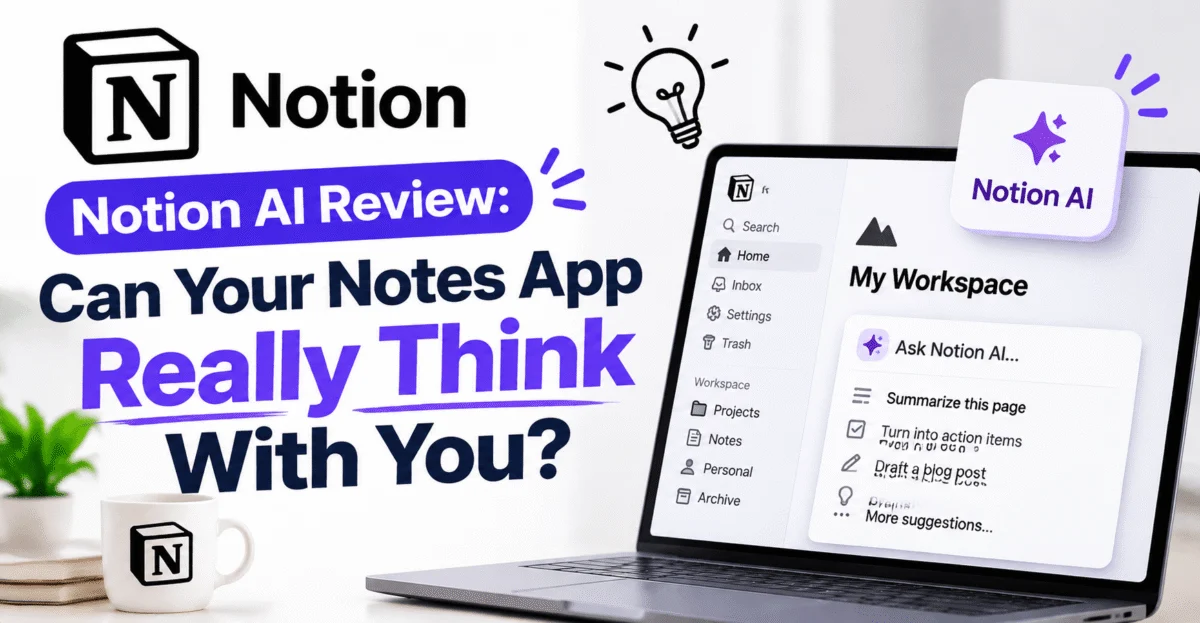
Coedee Score: 4.3 / 5 — Best AI Add-On for Existing Notion Users
Notion built its reputation as the flexible, slightly nerdy workspace where people organize everything from grocery lists to entire company wikis. Bolting an AI layer onto a tool that already has a reputation for infinite customizability is a risky move — done badly, it becomes yet another feature nobody uses; done well, it becomes the thing that finally makes the blank-page problem disappear. We spent two weeks using Notion AI across a real content calendar, a project wiki, and a batch of meeting notes to find out which outcome we got.
📝 What Notion AI Actually Does
Rather than living in its own separate app, Notion AI is woven directly into the writing surface you already use. Highlight a block of text and a small AI menu appears; type a slash command and AI-powered options sit alongside the usual formatting tools. This “AI where you already work” approach is the app’s biggest design decision, and it pays off immediately — there’s no context-switching cost, because the assistant is never more than a highlight-and-click away.
⚙️ Key Features We Put to the Test
- Draft generation — turn a rough outline or a single sentence prompt into a full first draft directly inside a page.
- Summarize & translate — condense long meeting notes or documents into digestible summaries, or translate a page into another language in place.
- Q&A over your workspace — ask a question and get an answer synthesized from across your own notes, docs, and wikis, with links back to the source pages.
- Autofill in databases — populate table properties automatically based on the content of linked pages, which is a genuine time-saver for anyone running a content calendar or CRM inside Notion.
- Tone and length adjustments — rewrite a paragraph to be shorter, more formal, or more casual with a single click.
- Meeting notes assistant — structure raw, messy meeting notes into clean action items and summaries.
💡 The Standout Use Case: Workspace Q&A
Of everything we tested, workspace-wide question answering was the feature that changed our workflow the most. Any team that has used Notion for more than a few months accumulates a sprawling, half-organized library of pages, and finding the one paragraph you vaguely remember writing three months ago is normally an exercise in frustration. Being able to ask “what did we decide about the Q3 pricing structure?” and get a synthesized answer with a direct link to the source page turned Notion from a place where information goes to be buried into a place where information can actually be retrieved.
This single feature alone is worth highlighting for any team drowning in internal documentation — it’s less about generating new content and more about making old content usable again, which is a subtly different and, in our testing, more valuable capability.
✍️ Writing Quality in Practice
For first-draft generation, the output is solid but rarely publication-ready without editing — which, frankly, is the correct level of ambition for a tool embedded in a notes app rather than a dedicated long-form writing product. It’s excellent at getting past the blank-page problem: give it a rough bullet-point outline for a project brief or blog post and it will produce a structured, reasonably well-argued draft in seconds. Where it’s less impressive is voice — out of the box, drafts tend toward a generic, slightly corporate tone, and getting it to sound like your team specifically takes some prompting and editing.
“I stopped using it to write finished paragraphs and started using it to get unstuck. That reframing alone made it worth keeping on.” — Coedee tester notes
🐢 Friction Points
- Cost is layered on top of Notion’s own subscription, which means teams already paying for Notion seats face a second, separate decision about whether the AI add-on earns its keep.
- Database autofill can be slow on very large tables, occasionally timing out on bulk operations.
- Generic tone by default — as mentioned above, drafts need editing to sound distinctly like you rather than “AI writing assistant.”
- Mobile experience lags behind desktop — most AI features are usable on mobile, but they feel noticeably smoother and faster on a full-size screen.
💳 Pricing
Notion AI is offered as an add-on on top of a standard Notion plan rather than a fully separate product, with usage-based or seat-based pricing depending on plan tier. Because pricing structures for add-ons tend to shift more often than core product pricing, we’d suggest checking the current in-app pricing page before committing a whole team to it, particularly if you’re evaluating cost per seat across a larger organization.
🆚 Who Wins the Comparison
Compared to standalone AI writing tools, Notion AI’s advantage isn’t raw writing quality — it’s context. Because it lives inside your actual knowledge base, it can reference your own past notes, projects, and decisions in a way that a generic writing app never will. If your priority is the single best possible prose output, a dedicated writing tool may still edge it out. If your priority is an assistant that actually knows what your team has already written and decided, Notion AI is in a category of its own.
👥 Who Should Use This
This is an easy recommendation for teams and individuals already living inside Notion for docs, wikis, and project management — the AI layer meaningfully upgrades a tool you’re already paying for and already trust with your information. It’s a much harder sell for someone not already using Notion; there’s little reason to migrate your entire workspace just to access this particular AI layer when strong standalone alternatives exist.
🏁 Final Verdict
Notion AI is less flashy than a standalone chatbot app, but it solves a genuinely different and, for many teams, more painful problem: making a sprawling knowledge base usable again. The writing features are competent rather than spectacular, but the workspace Q&A feature alone justifies serious consideration for any team with more institutional knowledge than anyone can keep in their head.
Coedee Verdict: 4.3 out of 5 — a strong, practical upgrade for existing Notion users; a weaker case for everyone else.
🧪 Real-World Test Scenarios
Scenario 1 — Turning a messy meeting into action items: We fed it fifteen minutes of raw, unedited meeting notes, full of half-sentences and tangents. Within seconds it returned a clean summary with owners and deadlines pulled out into a proper action-item list — the kind of task that normally eats ten minutes of someone’s afternoon and gets done inconsistently, if at all.
Scenario 2 — Drafting a project brief from bullet points: Given six rough bullet points, it produced a structured brief with a clear objective, scope, and open questions section. It wasn’t ready to send as-is, but it turned a blank page into an editing task, which is a meaningfully easier place to start from.
Scenario 3 — Finding a buried decision: We asked the workspace Q&A feature about a pricing decision made several months earlier and buried inside a long, since-archived planning doc. It found the right page, summarized the relevant section accurately, and linked directly back to it — a task that would have taken several minutes of manual searching otherwise.
🏢 Team Rollout Considerations
For teams considering a wider rollout, a few practical notes are worth flagging beyond the feature list. First, workspace Q&A quality depends heavily on how well-organized your existing Notion content already is — a chaotic, duplicate-riddled workspace will produce chaotic, duplicate-riddled answers, so it’s worth a light cleanup pass before rollout rather than expecting the AI layer to compensate for years of organizational debt. Second, because the add-on sits on top of existing Notion plans, larger teams should model the per-seat cost carefully rather than assuming it scales the same way as the base Notion subscription. Third, admins should walk newer team members through the highlight-to-activate AI menu specifically, since it’s easy to miss if you’re used to typing slash commands for everything else in Notion.
❓ Frequently Asked Questions
Do I need a paid Notion plan first? Yes — Notion AI is an add-on layered onto an existing Notion subscription rather than a fully standalone product.
Can it write an entire document from scratch with no input? It can, but the results are far stronger when given at least a rough outline or a few bullet points to work from rather than a blank prompt.
Does it work in languages other than English? Yes, including translation between languages directly within a page, though quality is strongest in widely-used languages.
Will it change formatting I’ve already set up? Generally no — AI edits are applied to selected text or new blocks, so your existing page structure and formatting stay intact unless you specifically ask for a rewrite.
📈 Measuring the Actual Time Saved
Rather than relying purely on impressions, we tracked rough time spent on a handful of recurring weekly tasks before and during our testing period: turning meeting notes into action items, drafting the first version of a project update, and searching for previously documented decisions. Across all three, the AI-assisted version consistently took noticeably less time than the manual equivalent, with the meeting-notes task showing the biggest improvement — unsurprising, since raw meeting notes are exactly the kind of messy, low-structure input the tool handles best. The smallest improvement showed up in first-draft writing, where the time saved on getting started was partly offset by the editing needed afterward to make the tone sound less generic.
🔁 A Realistic Adoption Curve
Teams evaluating this shouldn’t expect an overnight transformation. The realistic pattern we observed was a slow build: light, exploratory use in week one while people get comfortable with the highlight-to-activate menu, followed by a noticeable jump once a few specific recurring tasks — meeting notes, status updates, searching old docs — get established as the default way of doing things. Teams that assign one or two specific recurring use cases up front tend to see value faster than teams that roll it out with a vague “try the new AI features” message and no specific starting point.